Explore recognition examples
From handwritten derivations to academic papers, explore the images you can upload.
Divergence theorem and surface integrals
EnglishMathematics exam
ChineseVariational inference and ELBO
EnglishMultivariate Gaussian distribution
EnglishPendulum lab report
ChineseHow to convert an equation image to Word
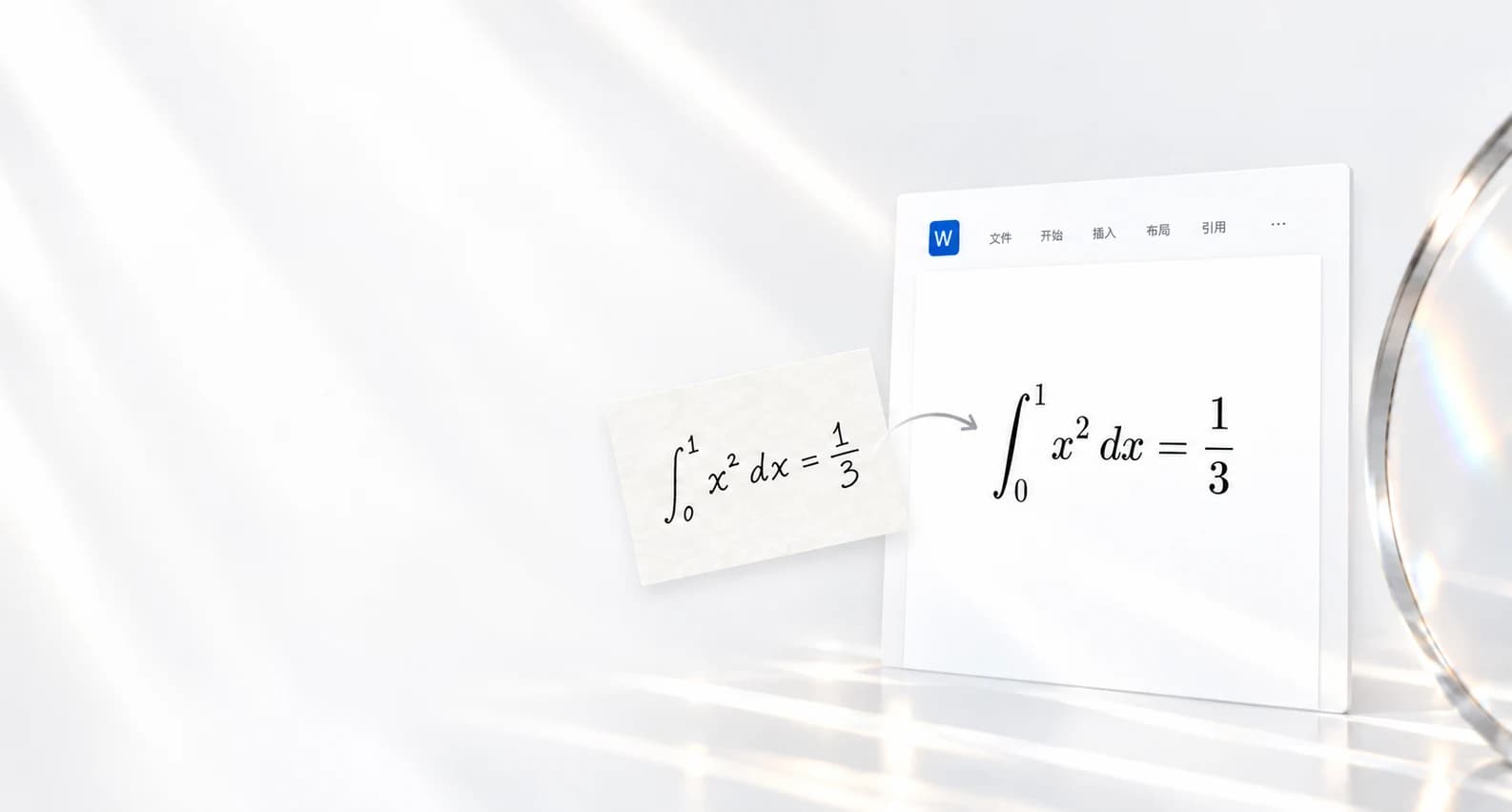
Upload a clear image and select Recognize. Check symbols and scripts against the original, then choose Download Word from Export. Open the .docx and click an equation to edit it.
Can I recognize handwritten equations?
Upload a handwritten equation or use the drawing canvas. Clear, complete images work best. Review the recognized equation before exporting.
Can I edit the equations in Word?
Yes. Equations are exported as editable equation objects in a Word document, so you can change symbols, scripts and fractions.
Can I try it for free?
Try one image without signing in. Signed-in accounts receive 20 free images each month. Paid plans are available for more. View pricing
Which images can I upload? Are PDFs supported?
Upload JPG, PNG or WebP, up to 8 MB per image. PDF files are not supported; take a screenshot of the equations first. Blurry, tilted or cropped formulas may need a clearer image and manual correction.